

Carnet
Free
5 free imports, once.
Unlimited recipes from Explore.
From a video, link or photo, Carnet extracts the ingredients and steps.


Send the video to Carnet, paste a link or snap a page.
Ingredients, quantities and steps. The source stays attached.
It goes into your carnet. Adjust servings, follow the steps.
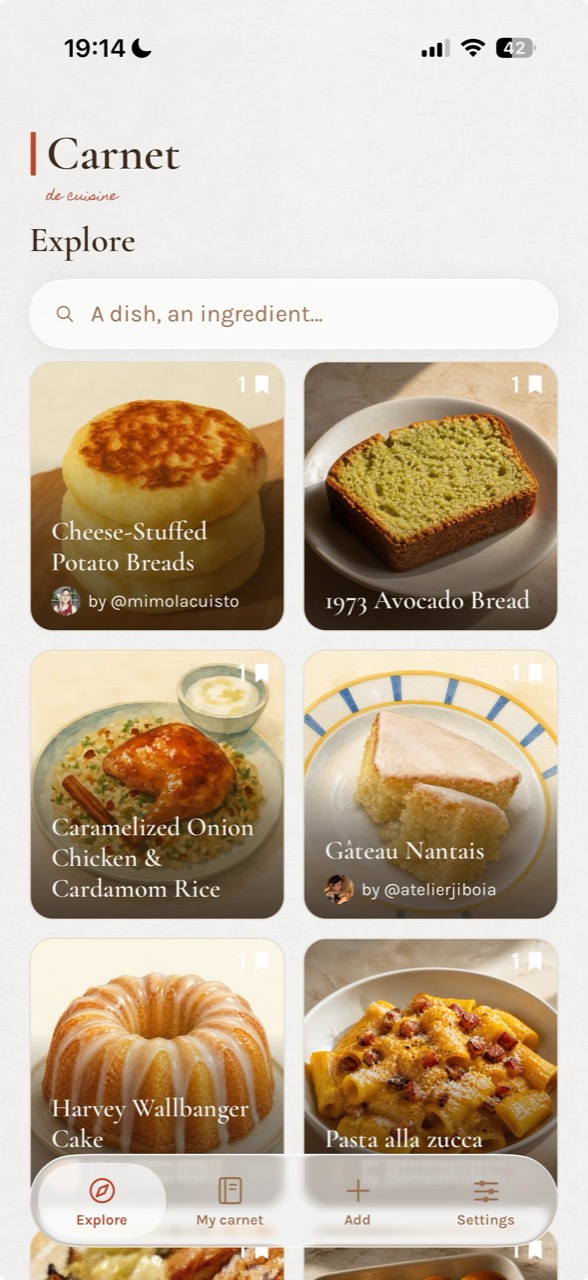
Carnet paints a cover for every recipe, on its own.
 Pasta alla zucca@anasofiafehn
 Tarte façon soupe à l'oignon@louloukitchen_
 Gâteau nantais@atelierjiboia
 Christmas crack@BDylanHollis
 Les pancakes du dimanche
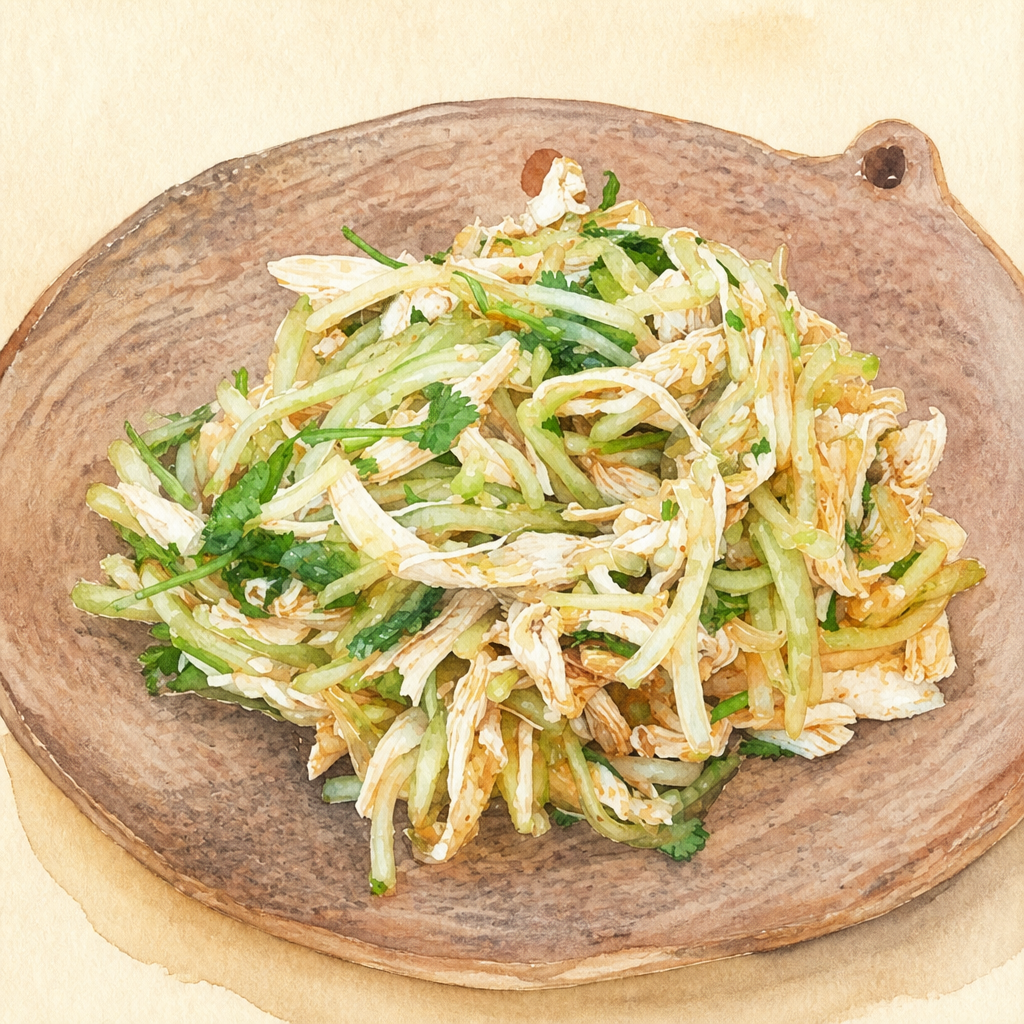
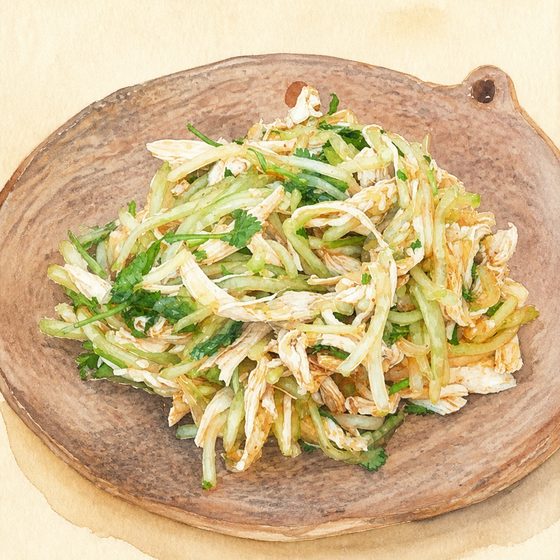 Salade croquante au citron
Steps keep the moment from the video, and each one shows what you need, quantities included.
Five free imports, then the plan of your choice. Recipes saved from Explore are always free.
Free
5 free imports, once.
Unlimited recipes from Explore.
Price on the App Store
200 imports upfront for the year.
Price on the App Store
40 imports per month.
The App Store shows the price in your currency, tax included. Auto-renewing subscriptions, cancel anytime in your Apple settings. A failed import doesn’t count. Your recipes stay in your carnet after you cancel.
Instagram, TikTok and YouTube videos up to two minutes long, web pages, photos of cookbooks, screenshots and text. Sources must be publicly accessible.
Yes. You can edit the ingredients, quantities and steps. The original link stays with the recipe.
Your recipes stay available and editable. Carnet Plus is only needed to keep importing.


Keep it in your carnet.
Download on the App StoreOn iPhone · 5 free imports